IPTV on Multiple Devices: Understand Simultaneous Streams
Published
Your television, tablet and smartphone can each have a place in everyday viewing. Owning those screens does not automatically mean that one IPTV package allows all of them to play at the same time. This guide explains the distinctions, shows how to prepare a device switch and helps you ask precise questions about the setup you actually want.
Devices, profiles and streams mean different things
An installed application is simply software on a device. Saved access details let that player attempt to connect, provided the device and access format are supported. A profile may keep settings or favourites separate if the application offers that feature. None of these facts, on its own, establishes how many simultaneous playbacks your IPTV subscription permits.
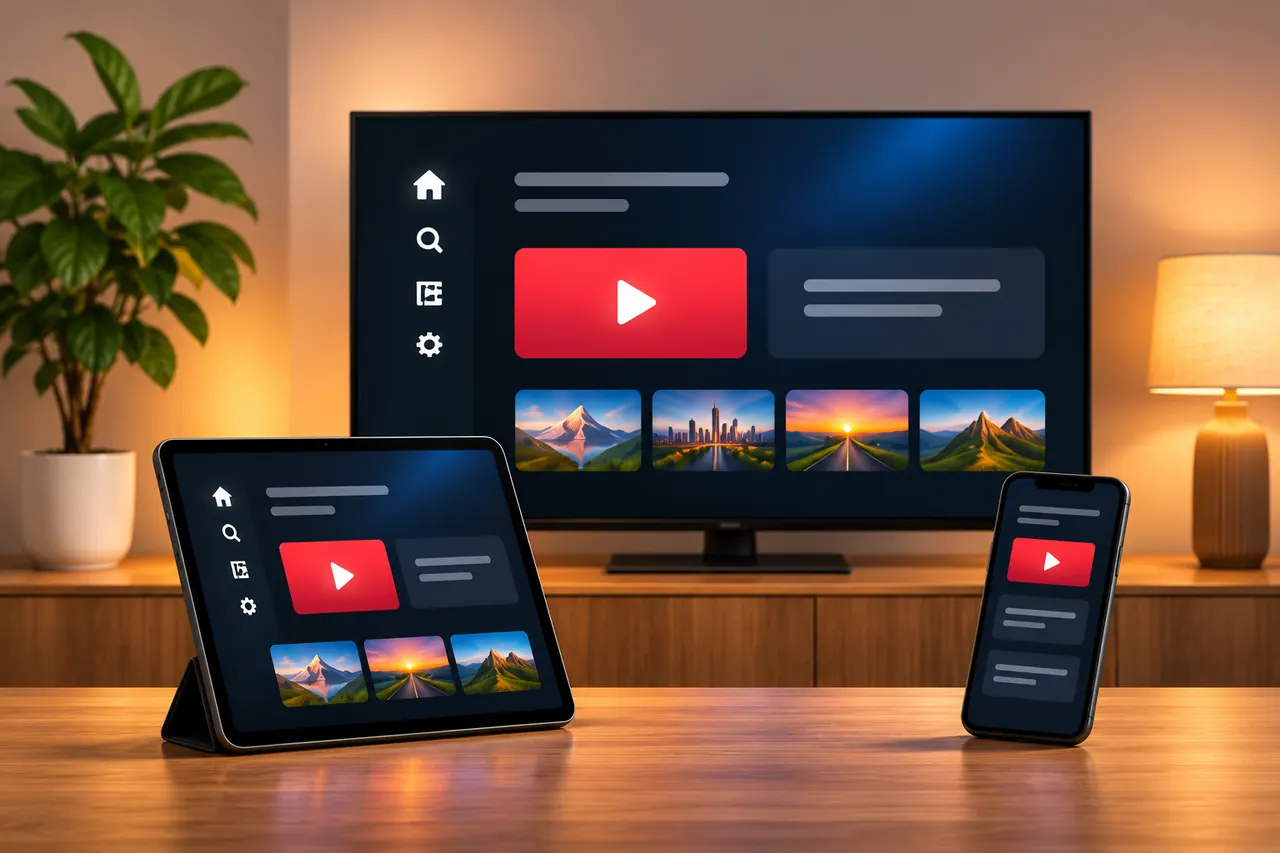
A simultaneous stream concerns playback taking place at the same time under the applicable service conditions. When asking about a package, describe the intended activity: switching from a television to a tablet, or watching on both screens together. Those are different requirements. Get the actual allowance confirmed for the selected package instead of estimating it from a picture of several compatible devices or a list of app names.
What does support for several devices actually tell you?
A device overview can list several categories because suitable players may run on different operating systems. It describes possible technical setups, rather than promising unlimited connections. Using devices within the same home does not automatically remove a subscription limit either. The conditions attached to the access and the application still need to be checked.
Other TV services also distinguish signed-in equipment from concurrent streams. Zattoo’s support documentation explains that distinction for its own service. Its particular allowances cannot be transferred to IPTVKaufen365. For this website, an allowance that has not been explicitly confirmed in the package remains a question to resolve before choosing. A label such as Premium is not a substitute for a stated feature or an agreed connection limit.
Check compatibility separately for each screen
For every device you intend to use, collect the manufacturer, model and operating system. Then check whether an appropriate player is available and which form of access it supports. An application on a television may have different features and licence conditions from another player on a phone. Even devices carrying the same brand can use different operating systems.
Use the device and app overview as preparation. Check possible app fees with the independent app provider. Installing another application does not automatically add features to your IPTV subscription. If your main requirement is switching between two devices, ask about that exact process and whether signing out, device binding or other confirmed conditions apply. This makes the answer more useful than a general question about how many apps you can install.

Move from the television to a tablet methodically
Set up one device using its appropriate instructions and confirm that the access details have been entered correctly. When moving to another device, stop playback on the first rather than simply returning to its home screen. Depending on the application and operating system, activity may continue in the background. Follow the player’s own instructions for ending playback.
Then open the player on the second device and use the access format confirmed for it. This is an orderly way to check a switch, not a guarantee that every application or subscription behaves identically. If a connection-limit message appears, do not keep starting more sessions. Record the exact wording and check the conditions or ask for help. The setup overview separates device preparation from entering access details so you can check each part clearly.
Confirm these details before watching simultaneously
Before ordering, describe the number of screens you want playing together and the types of devices involved. Ask which arrangement is explicitly supported by the selected package. Check any conditions concerning the household, network or location, and whether the requested functions work on the actual devices. Support for several devices does not automatically grant permission to share access details with other people.
Prepare the home network as well: applications running together share available network resources. Bandwidth requirements depend on the actual streams and their quality. If one device already has interruptions, investigate that connection first instead of assuming a second screen will work identically. The Wi-Fi and Ethernet guide provides a practical troubleshooting order without assuming an unconfirmed stream allowance for your package.
Keep app licences and service access organised
Store access details securely and keep your IPTV package confirmation separate from any receipt issued by an app provider. Record which player is installed on each device. When replacing equipment, this makes it easier to check whether a software licence can be transferred or whether a new activation is required. That question depends on the app provider and should be resolved before another payment is made.
Do not give passwords to unknown people or publish screenshots containing them. For an initial support question, describe the model, app and error message. Use the package page to compare the available terms, and the contact page to confirm the intended device arrangement. Keeping those details together also helps when you later review a renewal or change your primary screen.
Common questions about multiple-device use
Can every compatible device play at the same time? Compatibility alone does not establish that. The number of parallel connections must be confirmed for the package you choose.
Will buying a second player increase my allowance? No. A software licence is separate from the IPTV subscription and does not automatically extend it.
Does a profile count as an extra stream? Profiles and simultaneous playback are different features. Check what the app offers and what the package permits.
What should I include when asking for advice? Give the exact number of screens you want running together, their models and the players involved. Say whether you only want to switch between devices or watch simultaneously. That description makes it possible to address the real household requirement instead of an ambiguous device count.